THINKCAR ThinkDiag Bidirectional Bluetooth OBD2 Scanner
About The Product

Equipped with bidirectional control, ThinkDiag can send commands directly to ECUs to activate actuators and vehicle components for functional testing. Active tests allow you to quickly determine whether a component or control circuit is operating correctly, reducing diagnostic time and eliminating unnecessary parts replacement. For supported makes and models, ECU coding supports module adaptation after replacement and enables selected customization features. Whether you're servicing your own vehicle or working in a repair shop, ThinkDiag provides professional-grade diagnostic performance in a portable scan tool.

Get complete vehicle diagnostics with ThinkDiag's all-system scanning capabilities. It supports full diagnostics for the Engine, Transmission, ABS, SRS, BCM, TPMS, SAS, BMS, A/C, and other onboard systems. Read and clear fault codes, view live data, access ECU information, perform bidirectional active tests, and complete essential maintenance functions—all from one powerful scan tool. Compatible with most OBD-II vehicles built from 1996 onward across 120+ vehicle brands, ThinkDiag comes with 1 year of free software updates and supports 9+ languages for a smooth diagnostic experience worldwide.

Go beyond basic code reading with professional service functions including: Engine Oil Lamp Reset / Injector Coding / ABS Bleeding / DPF Regeneration / Throttle Adaptation / Brake Reset / TPMS Reset / SAS Reset / Battery Matching / Immobilizer Matching / Gearbox Matching / AFS Matching / Suspension Matching / ETS Reset / Sunroof Initialization. ThinkDiag gives technicians the tools needed for efficient vehicle maintenance and repair.

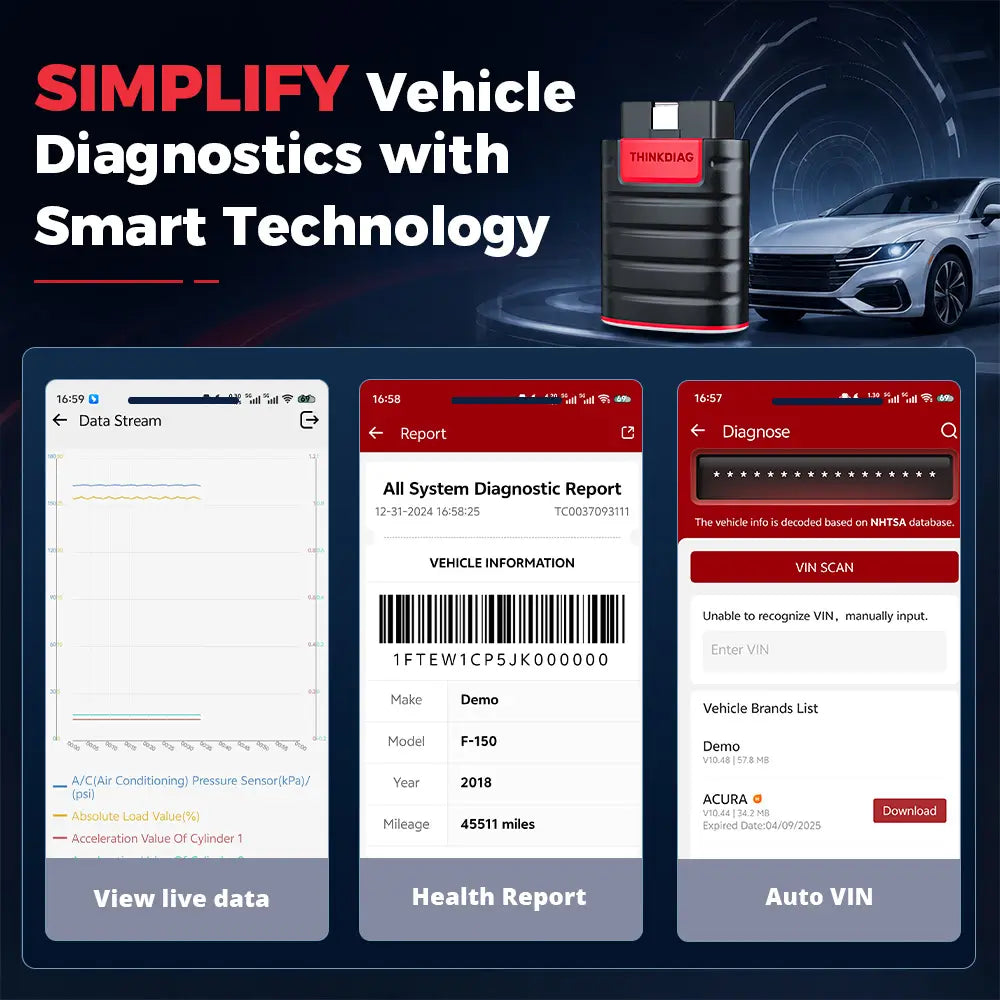
Automatically identify vehicles with Auto VIN technology and generate detailed vehicle health reports after diagnosis. View live data through intuitive graphs, record performance changes, and analyze abnormal parameters to diagnose issues faster and improve repair efficiency.

How to Get Started with THINKDIAG
Follow these simple steps to begin diagnosing your vehicle:
Step 1: Download and install the ThinkDiag+ App from your app store.
Step 2: Create a ThinkDiag account and sign in to the app.
Step 3: Activate your THINKDIAG device by following the in-app instructions.
Step 4: Connect THINKDIAG to your vehicle's OBD-II port, turn the ignition on (engine off), and pair the device via Bluetooth. Download the required vehicle software, then start your diagnostic scan.
Out of stock
Couldn't load pickup availability
Product guidance
Shipping & Returns
Every order ships free. Delivery time depends on stock location and destination. Contact EDIAG Support before returning a product, and review our Shipping Policy and Warranty & Returns terms for complete details.