THINKCAR ThinkDiag 2 CAN-FD Bi-directional OBD2 Scanner
À propos du produit
 ECU Coding (Customize)
The ThinkDiag 2 application enables technicians to reprogram and adjust adaptive values within vehicle control modules post component service or replacement.
Covered modules and functions: Power Window Systems, Illuminated Entry, Warning Systems, Light Control, Sunroof, Air Conditioning, On-Board Display, Unit Conversion, Entry & Ignition, PSD & PBD Operation, Seat Systems.

Bidirectional Control
Use the ThinkDiag 2 app to perform standalone actuator tests without operating vehicle physical controls, greatly improving testing efficiency.
Supported tests include: Radiator fan activation, throttle modulation, window operation, mirror adjustment, exterior light control, horn activation, door lock testing, and more.

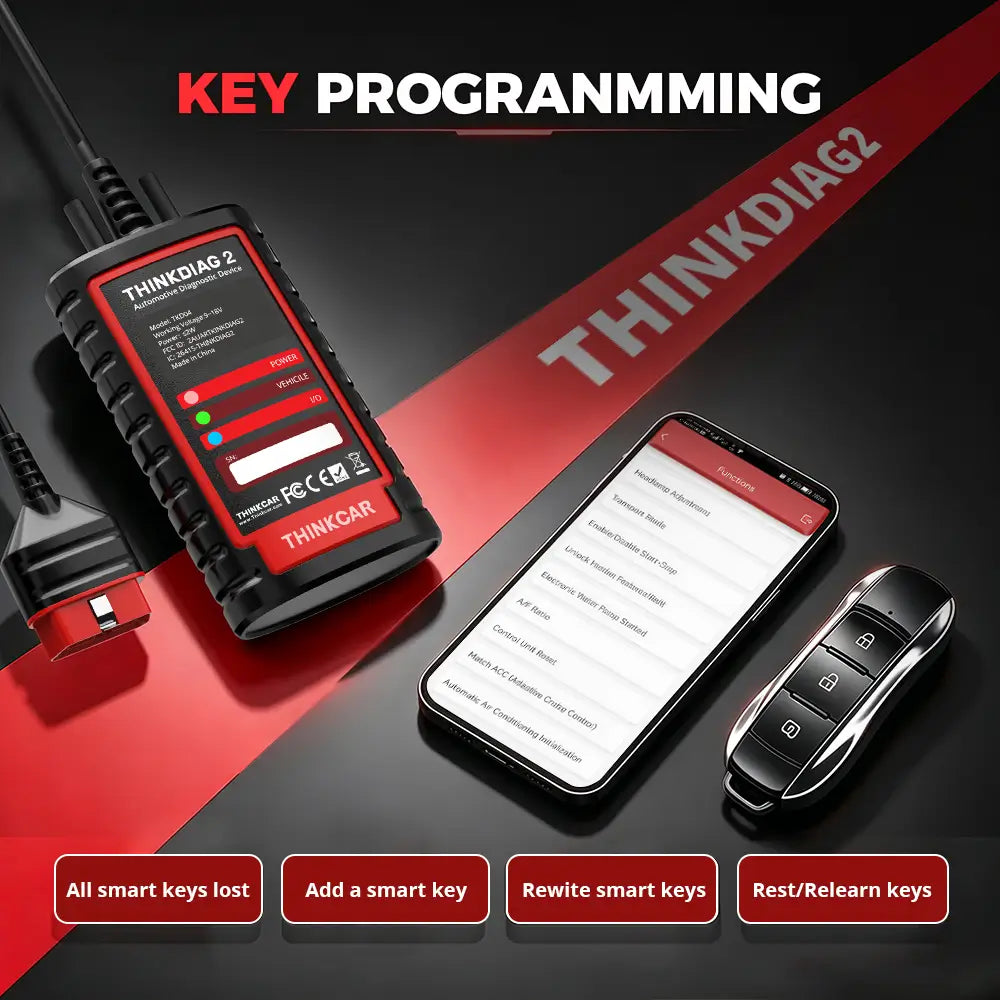
Scan Tool to Reprogram Keys
With relentless innovation at its core, ThinkDiag 2 comes with powerful IMMO functionality. It handles key learning, remote key pairing and remote key addition effortlessly. Beyond that, it allows you to access key chips, read, recover and write key data — making key programming and other immobilizer services simple and efficient.
Smart Data Analysis & Vehicle Health Reports
THINKDIAG 2 makes vehicle diagnostics faster and easier with intelligent data management features:
- Automatically identifies vehicle information via Auto VIN scanning (VIN, model year, vehicle model, engine type)
- Displays multiple live data parameters in a single graph for real-time performance monitoring
- Generates detailed vehicle diagnostic reports — saveable, printable from PC, and shareable for accurate repairs

Professional-Level Full System Diagnostics
THINKDIAG 2 delivers professional diagnostic capabilities across multiple vehicle systems:
- Engine, Transmission, ABS, SRS, EPB, TPMS, BCM, AWD, Battery, Parking Sensor, Cruise Control, Instrument Cluster, and more
- Retrieve fault codes, view vehicle information, and perform in-depth troubleshooting

Support 15+ Maintenance Functions
- Adaptive Front Lighting
- ABS Bleeding
- Battery Matching
- Gearbox Relearn
- Brake Reset
- SUS Reset
- EGR Adaption
- Electric Throttle Relearn
- Immobilizer Reset
- Injector Coding
- Oil Maintenance Reset
- Steering Angle Reset
- Sunroof Reset
- TPMS (Reset)
- Air Level Calibration
Upgraded with CAN FD Protocol Support
THINKDIAG 2 adds built-in CAN FD protocol support, enabling compatibility with newer vehicle platforms that require faster and more advanced communication protocols. Supports larger CAN data frames up to 64 bytes, providing improved communication speed, data efficiency, and diagnostic reliability.

10 OBD2 Full Functions Supported
THINKDIAG 2 supports comprehensive OBD2/EOBD engine diagnostics compliant with major standards: SAE J1850, ISO 9141-2, ISO 14230-4 (KWP2000), and ISO 15765 (CAN).
- Read & Clear Diagnostic Trouble Codes (DTCs)
- View Freeze Frame Data
- Display Live Data Stream with Graphs
- O₂ Sensor Test
- EVAP System Test
- On-Board Monitor Test
- Read Vehicle Information (VIN)
- Built-in DTC Code Lookup Library
- Turn Off MIL (Check Engine Light)
- I/M Readiness Test
Additional Features
- 10-Second Auto Vehicle Detection — Quickly identify compatible vehicles and start diagnostics faster
- Printable Health Reports — Save, share, and print diagnostic reports for repair records
- Remote Diagnosis — Get remote assistance for more efficient troubleshooting
- Diagnostic Community — Share experiences and access technical resources
- Bluetooth & Android Compatible — Enjoy wireless diagnostics with supported Android devices
- 15+ Language Support — Multiple languages available for a global user-friendly experience
Get Started in 5 Simple Steps
- Download App — Install the ThinkDiag+ App from Google Play or App Store
- Register Account — Create an account and log in
- Activate Device — Enter your device serial number and activation password
- Download Software — Install the required vehicle software
- Connect & Diagnose — Plug in, connect via Bluetooth, and start vehicle diagnostics
En rupture de stock
Impossible de charger la disponibilité du service de retrait
Product guidance
Shipping & Returns
Every order ships free. Delivery time depends on stock location and destination. Contact EDIAG Support before returning a product, and review our Shipping Policy and Warranty & Returns terms for complete details.