KINGBOLEN YA101 Code Reader OBD2 Scanner
Couldn't load pickup availability
Need help before or after purchase?
- Shipping information
- Warranty & returns
- Product support
- Secure payment
Shipping & Returns
Delivery time depends on stock location and destination. Local inventory normally arrives in 2–7 business days; shipments from another warehouse normally take 7–30 business days or longer. Customs and carrier delays can extend these estimates.
Contact EDIAG Support before returning a product. See Shipping Policy and Warranty & Returns for complete terms.
About The Product

KINGBOLEN YA-101 Car OBD2 Scanner is a full OBDII/EOBD code reader with multi-language support, battery test, and a color screen, covering most 12V 16-pin cars from 1998 onward (ISO9141-2, ISO14230-4, SAE J1850, ISO15765-4 and more) with lifetime free updates.
Check Engine Light / turn off MIL, and help pass vehicle safety inspection and emissions inspection.
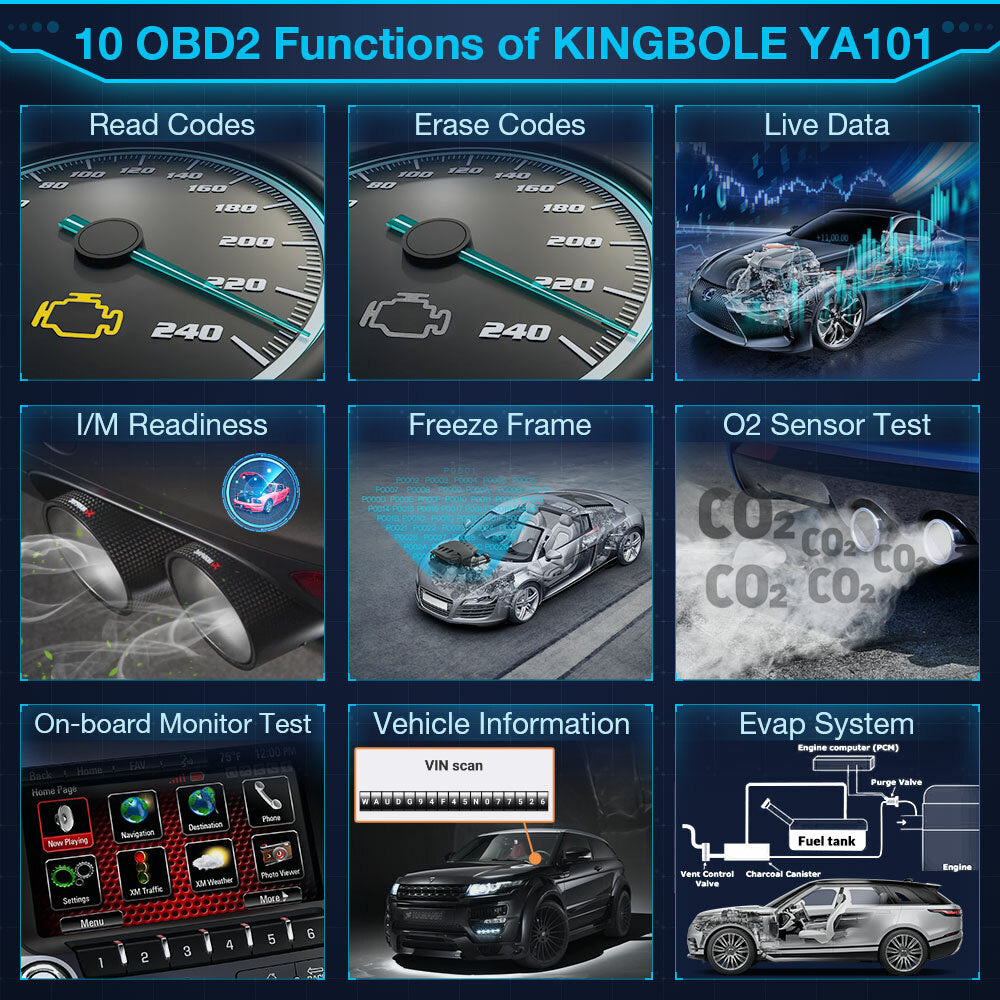
Full OBDII diagnostics: Read & Clear DTCs, I/M Readiness, Freeze Frame, Live Data Stream, Vehicle Information.
Advanced Mode 6 On-Board Monitor Test and Mode 8 EVAP / Component Test for deeper engine diagnostics.
Battery test and screenshot display (hold Up + Down for 3 seconds). 1.8" TFT color screen with physical buttons.
Supports 9 languages and wide vehicle coverage (US 1996+, EU 2000+, Japan 2006+). Plug & play via OBD2 port — no charging needed.
Lifetime free USB update (driver-free) and lifetime warranty. Compact, easy-to-carry design for DIY and entry-level mechanics.
Compatible with legislated OBD2 protocols including ISO9141-2, ISO14230-4, SAE J1850, and ISO15765-4. For 12V cars only (not 24V trucks).


Read Codes : Reads DTCs from vehicle's computer with KOEO or KOER.
Erase Codes: Deletes DTCs from vehicle's memory.
Live Data: Live Data menu lets you view, record and playback real time PIDs data fromthe electronic control module. In live data menu, you can insert the selected item to front by holdingpressing the key for 3 seconds.
Freeze Frame: Displays a snapshot of operating conditions at the time of a fault.
Vehicle Info: Scan tool displays the vehicle's VIN number, Calibration ID (s) and CVNthat identify the software version in the vehicles control module (s.)The tool also displays In-Use Performance Tracking of importantreadiness monitors.
Component Test: Tool will display a list of components and their locations on the vehicle.This function will always appear on the Main Menu .This selection will appear on the Diagnostic Menu only when the toollhas a list of component locations for the currently selected vehicle.
On-Board Monitoring: Scan tool controls the operation of vehicle components, tests or systems.
O2 Sensor Test: Displays oxygen sensor monitoring test results from the vehicle's memory,the O2 Monitor Test is NOT an ON-DEMAND TEST. If the engine light is not turned off in time. it will Cause Serious environmental pollution
I/M Readiness: Displays a snapshot of the state of the vehicle's OBDII Monitors.